
Log
Glarysoft Malware Hunter also offers logs for users to review. After completing a Virus Scan, a Log entry will be available. Alternatively, users can access Log through the “Settings” menu.
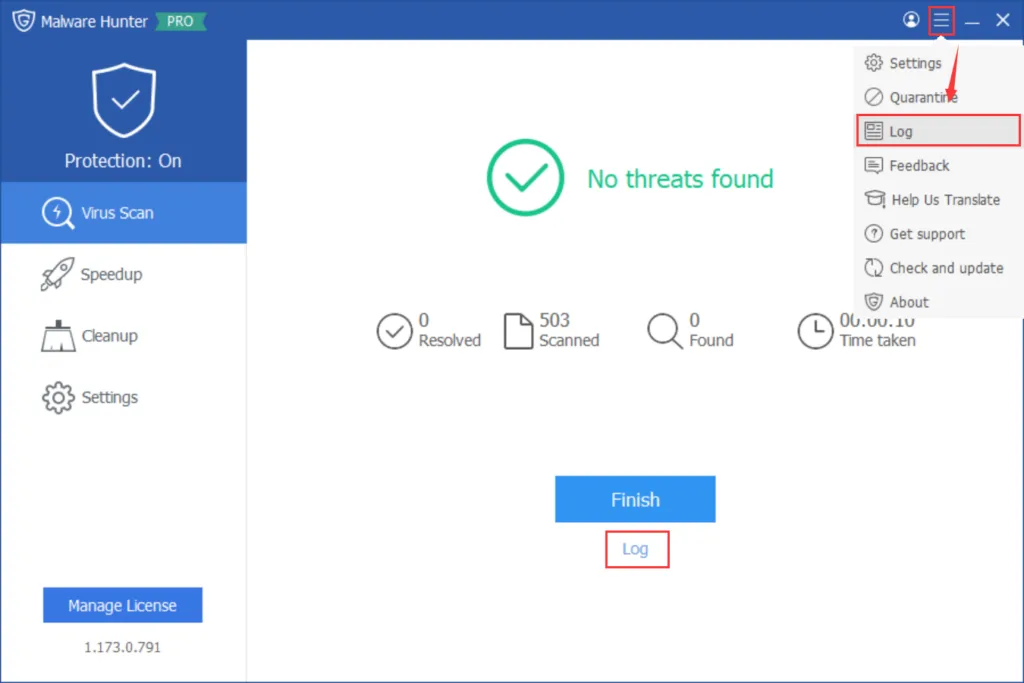
In the Log, users can find information about Virus Scan, Downloaded File, File Protection, Behavior Blocking, and Update activities.
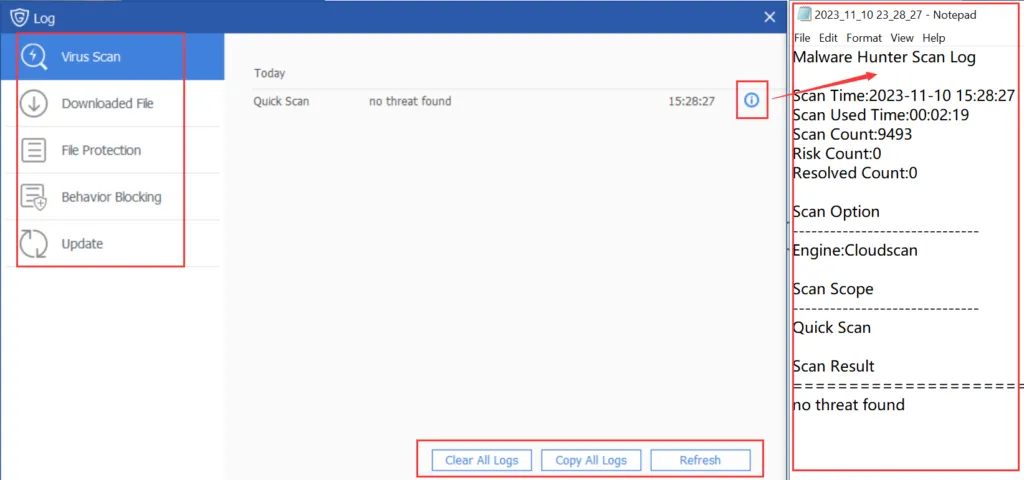
Here, users can examine the details of log files and perform actions such as clearing or copying. In case of any issues, users can copy and send the logs to support@glarysoft.com for more professional assistance.
